Tech Guide
Assistive Technology Guide
Our notes on assistive technology, written for people with disabilities and the people who support them. Each entry covers who a device may help, what to ask your clinician, ways to pay for it, and whether you can see one at our Equipment Library.
Our app: Routinely app, a free iPhone app for tracking bowel and bladder routines.
Featured
A few devices from across the guide. The picks change each time you load the page.
What’s new
Latest stories and devices we’ve added.
-
ONSCREEN releases JoyTablet 7, a voice-first tablet hub for older adults and people with I/DD
ONSCREEN says it released JoyTablet 7, which turns an existing Android tablet or iPad into a voice-first care hub.
-
Mezmo launches Bridge Live, an app for real-time captions of in-person conversations
Irvine-based Mezmo Technologies says it launched Bridge Live, an iOS and Android app that shows real-time captions of in-person meetings, presentations and conversations on a phone or tablet.
-
Permobil M4 Nexa: a compact mid-wheel power chair with full power seating
New Mobility reports on Permobil’s M4 Nexa, a compact mid-wheel power wheelchair.
-
BART pilots Aira video interpreters for blind and low-vision riders
BART says it is piloting Aira, a service that connects blind and low-vision riders with live, trained visual interpreters by video call in the free Aira Explorer app.
-
Google Meet tile pairing arrives on mobile
Google Meet’s tile pairing keeps a Deaf or hard-of-hearing participant’s video side by side with their sign language interpreter.
-
A power wheelchair paired with a robotic arm
The startup ATDev is building RAMMP, a platform that pairs a power wheelchair with a coordinated robotic arm on an open software platform.


Show 8 more
-
Windows 11 adds accessibility updates
Microsoft says Windows 11 adds Screen Tint, a Magnifier that can zoom each display separately, a Narrator that reads math with its structure intact, and Narrator support for HID braille displays starting from the first screen of Windows setup.
-
PRC-Saltillo 2026.3 update for AAC apps
PRC-Saltillo’s 2026.3 update covers LAMP Words for Life, TouchChat, Unity AAC and Dialogue AAC.
-
Tolt launches Ability Drive eye-gaze driving for iPad
Tolt Technologies launched Ability Drive for iPad, which lets power wheelchair riders drive and adjust seating with eye gaze.
-
Research: a brain implant decodes speech and gestures at the same time
An NIH-funded team at UCSF showed that a brain implant in three people with severe vocal-tract paralysis could decode speech and upper-body gestures at the same time and use them to drive a virtual avatar.
-
Starkey announces Omega AI+ hearing aids
Starkey announced its Omega AI+ hearing aid family.
-
Guided Vision comes to Gemini Live on Android
Google launched Guided Vision in Gemini Live for Android 9 and newer.
-
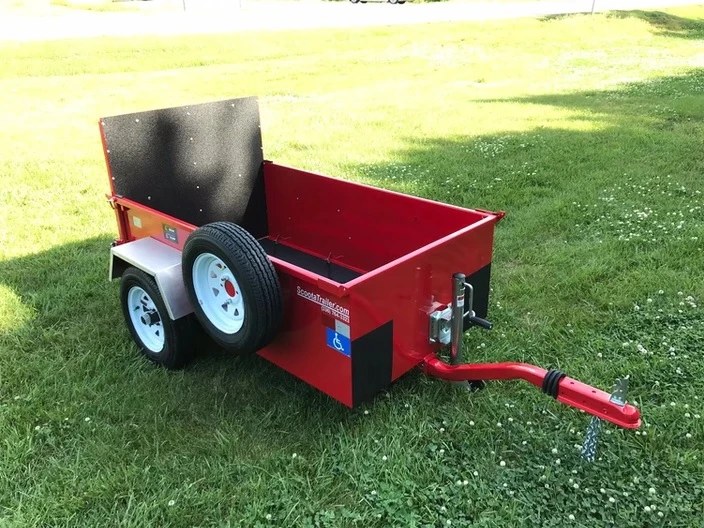
ScootaTrailer
A pull-behind trailer for transporting a mobility scooter or power wheelchair, with a low bed height and an assisted ramp.
-
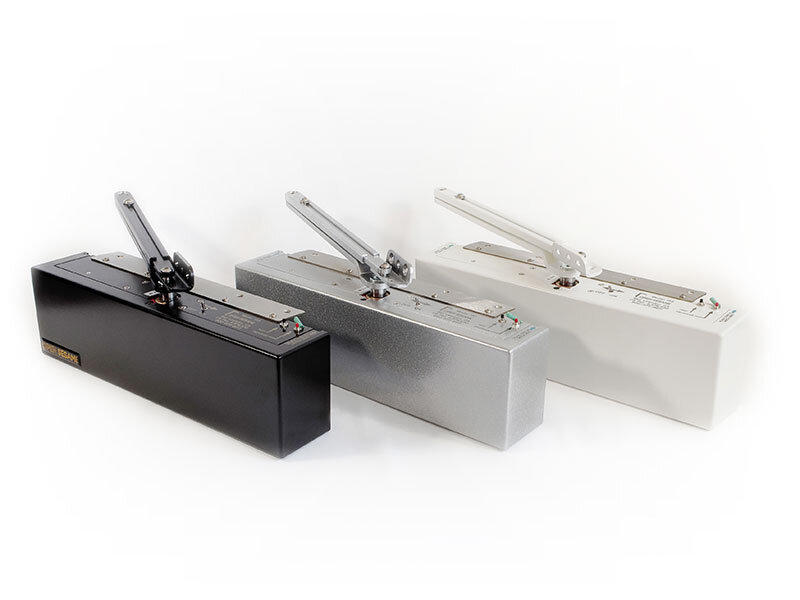
Open Sesame Model 133 Door Opener
An automatic opener for swinging doors that unlatches, opens, pauses, and closes the door at the touch of a button.





Browse by category
Six categories, each with our notes on every device we cover.
Personal Care
2 devices
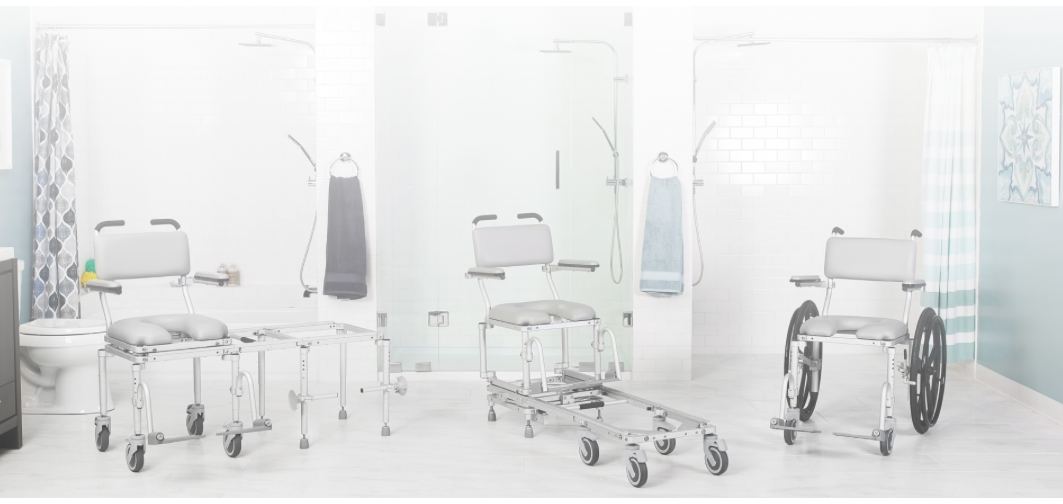
Bathing and toileting are where many people lose privacy and energy first.
All 2 devices
Fitness
6 devices
Staying strong and keeping your heart healthy matter just as much after a disability, and it is often harder to find equipment that works from a seated position.
Seating & Positioning
5 devices
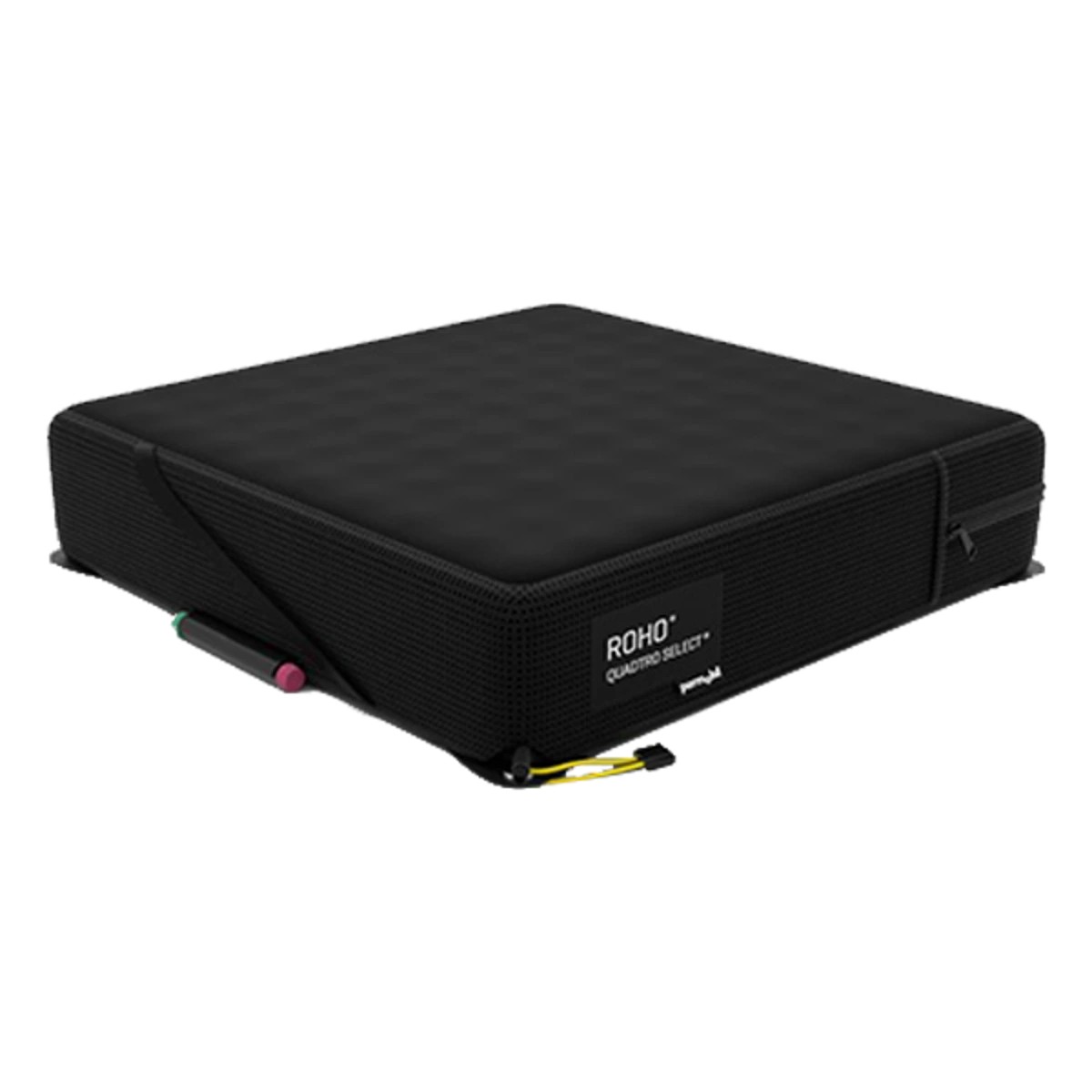
A good seat and cushion protect your skin, support your posture, and decide how long you can sit comfortably.
Specialized Beds
2 devices
A bed that turns, raises, or adjusts can lower the risk of pressure injuries and make transfers and caregiving easier at home.
All 2 devices
Mobility
10 devices
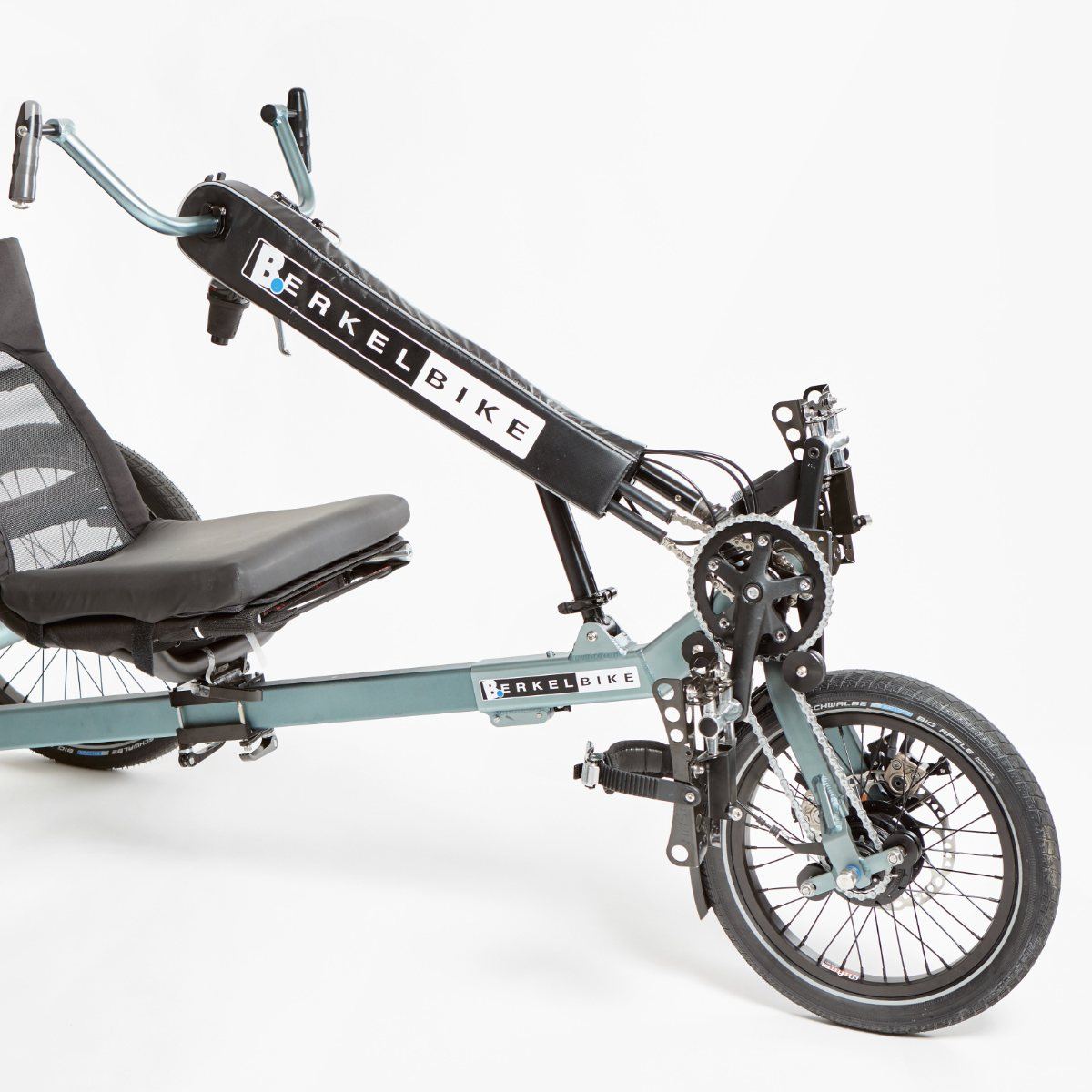
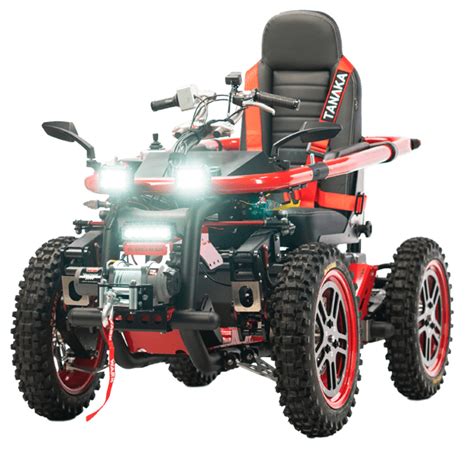
Power chairs, power-assist add-ons, all-terrain chairs, and newer devices that help people stand or walk.
Computer access
3 devices
Tools that let people use a phone, computer, or speech device when typing, touching a screen, or speaking is hard.
Before you choose a device
Walter Delson, our founder and rehabilitation counselor, has been paraplegic since 1992, and that experience shapes how we think about equipment: the right device can change a day, and the wrong one can end up in a closet. A few things we suggest:
- Start with the goal, not the gadget. What do you want to do that is hard right now? Getting to work, showering on your own, using your phone, sitting through a long day without pain?
- Bring in a clinician. Seating, mobility, and communication devices usually need an assessment by a physical, occupational, or speech therapist. That assessment is also what insurance looks for.
- Try before you commit. Ask suppliers about demos and trials, and check whether we have something similar in our Equipment Library.
- Plan how to pay early. Insurance, Medi-Cal, Medicare, the VA, the California Department of Rehabilitation, and grant programs all have different rules. Our Resources page lists a place to start.
We do not sell equipment, and these entries are not ads. If you want help thinking through a decision, get in touch or read about counseling.
Matching devices to your life
If you want help connecting a device to your goals, your routine, or a funding question, rehabilitation counseling is available in person in the Bay Area, and beyond by phone or video call. Counseling is sliding-scale; no one is turned away for inability to pay.
Recommend New Technology
Know of a device that has made a real difference for you or someone you know? Tell us about it. Recommendations are emailed to info@everydayabilities.org.
Recommendation sent
Your technology recommendation was emailed to info@everydayabilities.org. We will reply to the address you provided.